Sales & checkout
Build the cart, adjust quantities and track orders. Access payments and receipts along the sales journey.
Organize products, orders and checkout in one clear workspace.
Two independent products. No mandatory bundle.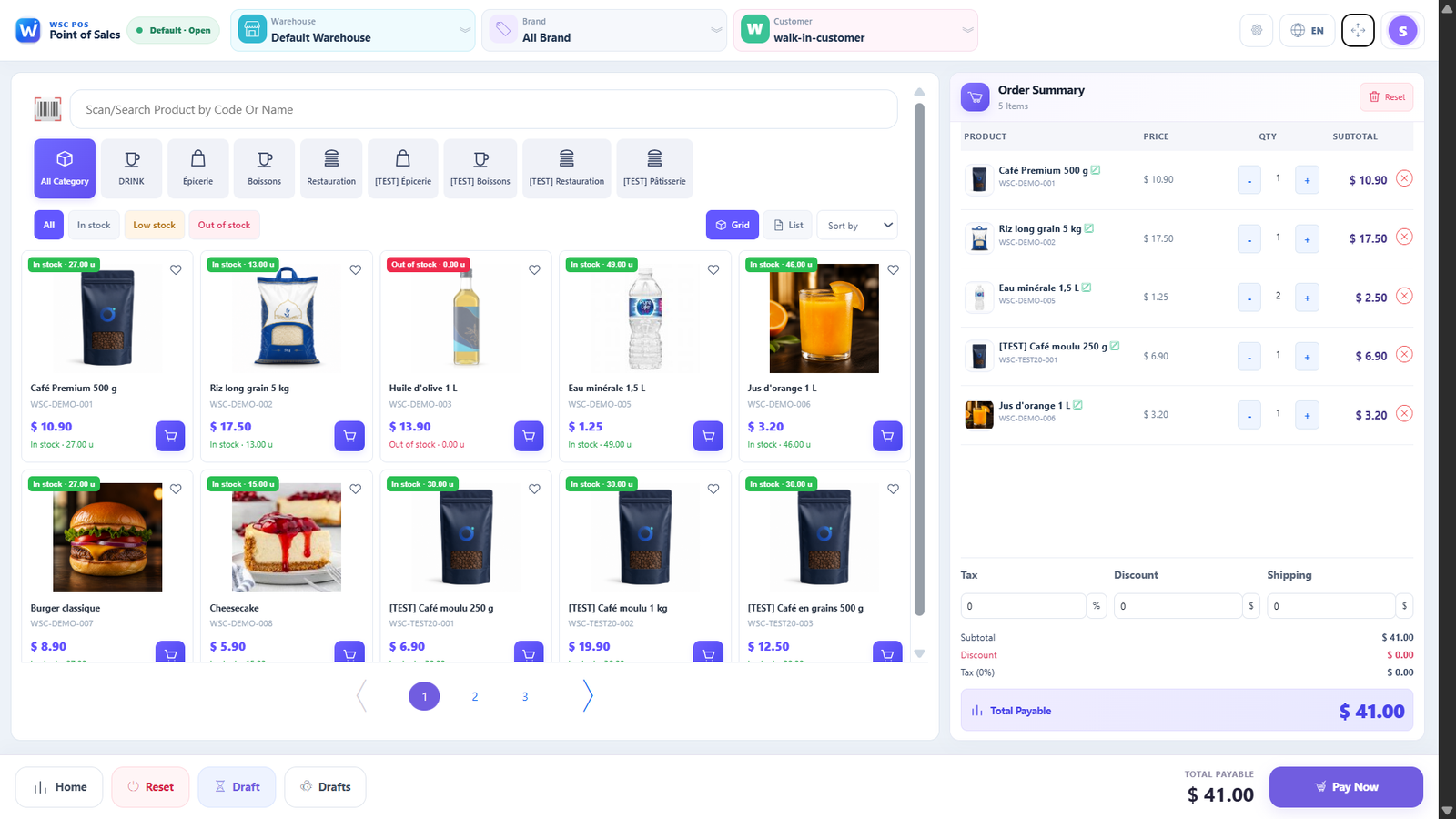
Build the cart, adjust quantities and track orders. Access payments and receipts along the sales journey.
Keep customer details close and apply pricing and tax rules suited to your business.
Review cash operations and reports to understand your business. Confirm plan availability and features during your demo.
Choose your sales environment. Hardware, printers and payment services need to be verified for your setup.
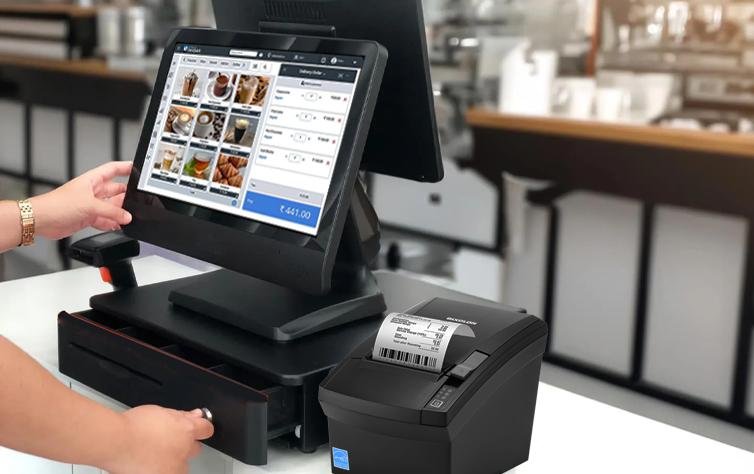
Terminal, tablet, receipt printer or kiosk: discuss hardware and integrations compatible with your installation.
Request a demoIllustrative visuals supplied to show equipment and business environments. Visible interfaces and brands are not WSC products. Models, availability and compatibility require confirmation by quotation.


Compare configured POS and RMS plans, their limits and features. Each product keeps its own independent subscription.
Business type, team and number of locations.
A POS or RMS demonstration based on your needs.
Pricing, configuration and hardware compatibility.